Title here
Summary here
August 20, 20262 minutes
The original OpenCCA box manages to automate away a lot of manual work during development, however it does not scale well to development setups with multiple people or boards. It requires for example an entire Raspberry Pi to control each board.
To address this, we built a multi-board automation box, supporting board and user multiplexing through one central control server.
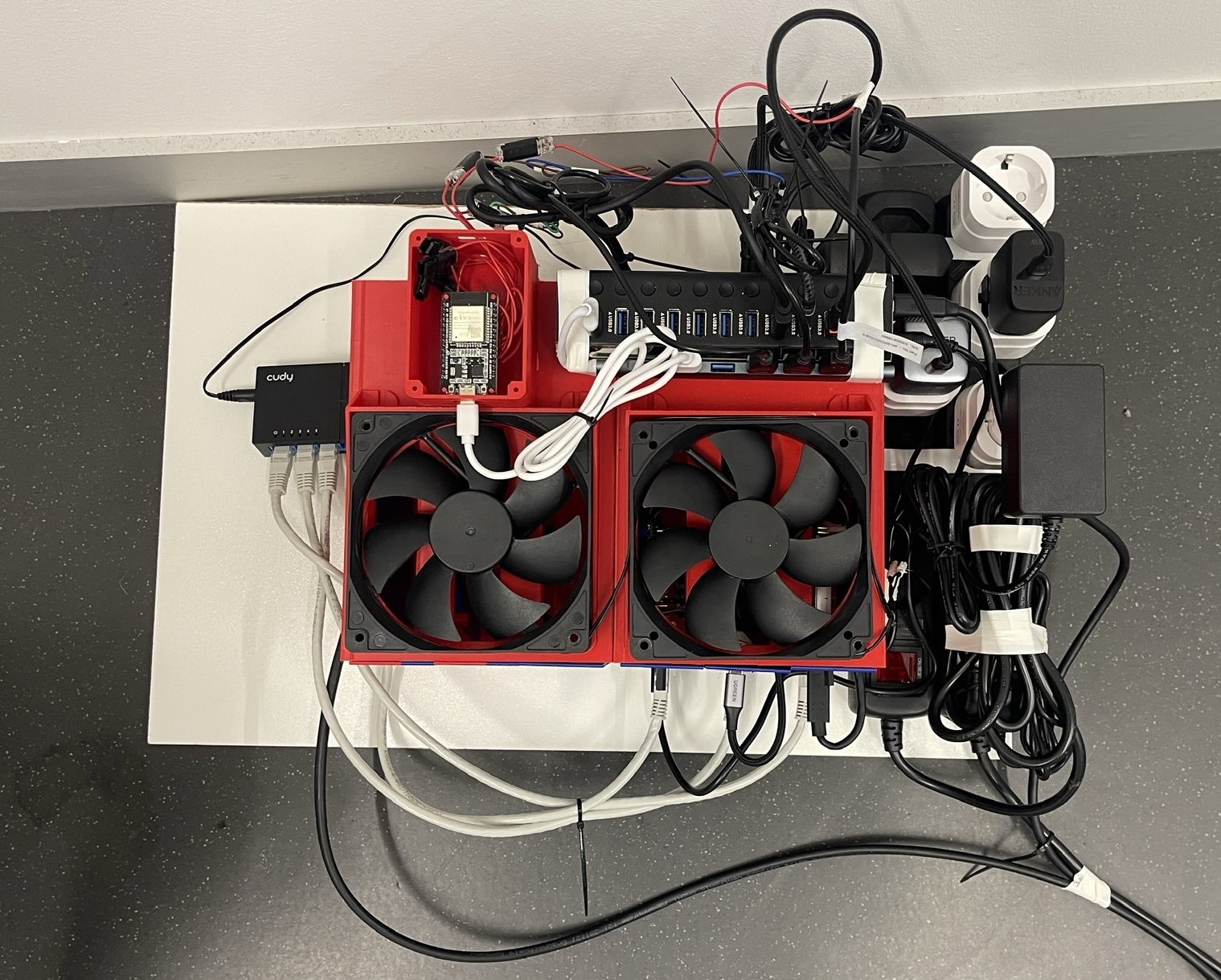
The box consists of an array of plates (d) (3D case files here), holding a board and its accessories (Maskrom MOSFET circuit, USB-to-UART converter) stacked next to each other.
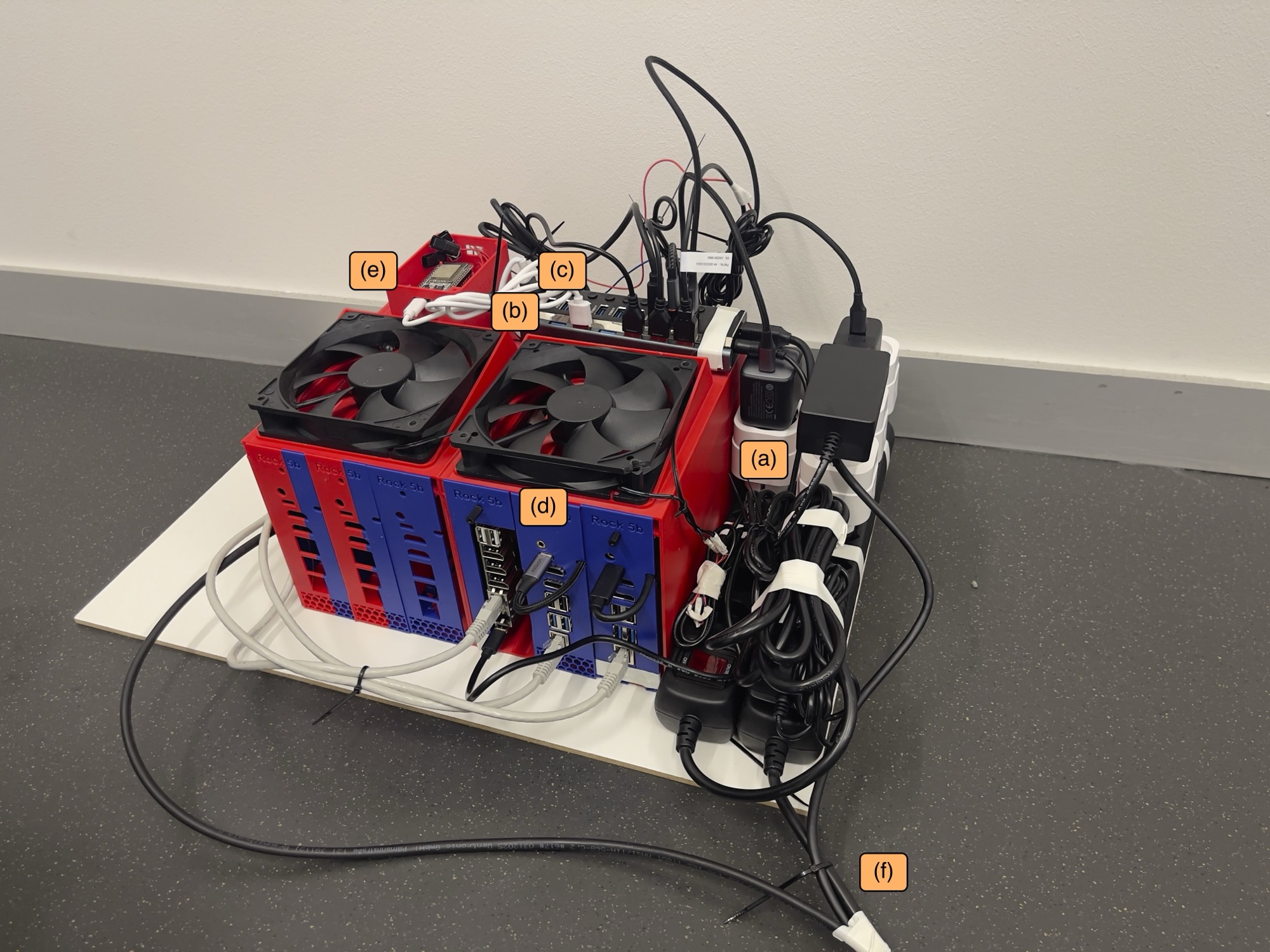
Figure: Automation box
(a) smart plug
(b) USB to UART
(c) central USB hub
(d) array of RK3588 plates
(e) esp32 for maskrom
(f) power
Each board connects to a central USB hub(c) that is connected to a single host machine.
An ESP32 microcontroller (e) is connected to each board’s Maskrom circuit via a GPIO pin, which is addressable on the control server via a small custom firmware. The box is connected to host machine via USB (f), alongside ethernet and power.
The box is controlled from a central host machine through the USB hub (c) via a custom management program rktool, which acts as a wrapper around rkdeveloptool.
This tool provides commands to power cycle, serial output and maskrom mode. It otherwise forwards commands to rkdeveloptool.
Usage: rktool [--board NAME] <command> [args...]

Board commands:
  uart              launch minicom on the board's serial port
  power <action>    on | off | reboot | cycle  (via smartplug)
  maskrom           put board into maskrom mode
  list              show boards and their user assignments

Debug commands:
  gpio-reset                  reset the GPIO controller
  gpio-pin <pin> <high|low>   set an ESP32 GPIO pin high or low
  smartplug <on|off>          control the smartplug directly
  uhubctl <on|off>            control the USB hub directly

All other commands are forwarded to rkdeveloptool.

Flags:
  --board NAME       select board by name (default: user's assigned board)
  --log-file / -l    minicom log file path (default: minicom.txt in current directory)
  --verbose / -v     print all commands before executing them
The tool is provided as is as a starting point for similar automations at:
Thanks to Simon Hostettler.
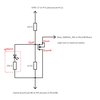
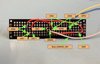
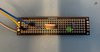
Mosfet Circuit that is connected to single esp32 for each board: